BSNL Home WiFi Booking: BSNL is offering a fantastic WiFi plan. For ₹1,099, you will receive 1,400GB of data and unlimited calls for a period of three months. Since this is a fiber connection, you can expect stable internet speeds. Notably, this plan offers a speed of 40 Mbps. It is worth mentioning that this plan has been introduced specifically for rural areas and can be booked via the BSNL Selfcare app, WhatsApp, or by making a phone call.
BSNL 1400 GB Data Plan: It is often observed that good Wi-Fi options are scarce in rural areas. BSNL has now taken the initiative to address this gap by offering an excellent Wi-Fi plan. In fact, for just ₹1,099, you can enjoy 1,400 GB of data per month—along with unlimited calling—for a period of three months. A key highlight is that this is a fiber-optic connection, which BSNL has introduced specifically for rural regions.
BSNL shared details regarding this offer on X, announcing that customers who make a payment for the full three-month period will also receive a cashback of ₹98. Therefore, if you are looking for an affordable and reliable Wi-Fi connection in your village, this plan makes for an excellent choice.
What is BSNL offering?
BSNL is offering fiber-based Wi-Fi connections specifically for rural areas. Its pricing is significantly more attractive than any plan offered by private telecom companies. Under this offer, you will receive 1400 GB of data per month for a period of three months, priced at ₹1,099. Additionally, this connection includes the benefit of unlimited calling. It is worth noting that the calling facility is provided via a landline connection. Furthermore, thanks to the fiber-based infrastructure, you can expect a stable internet speed of 40 Mbps.
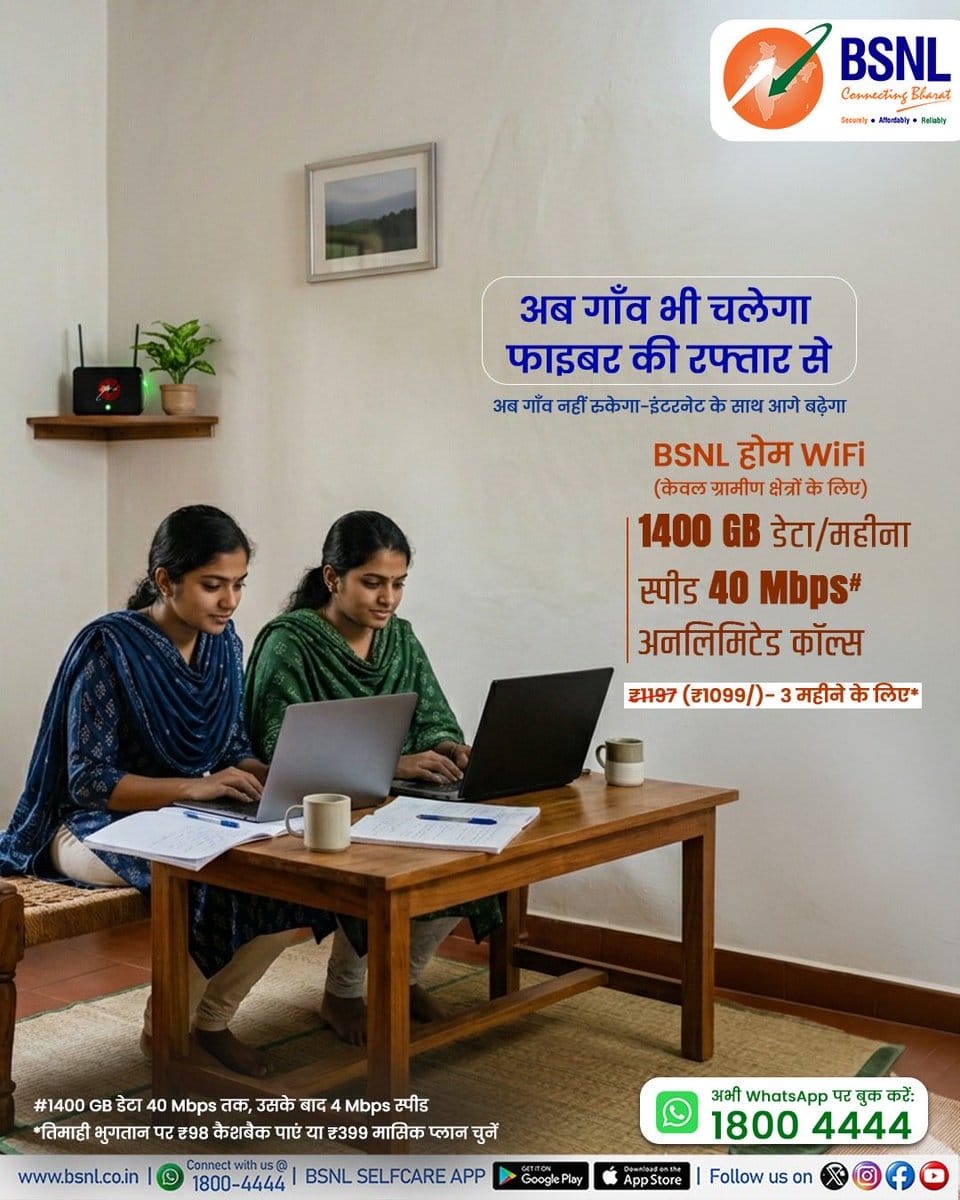
According to BSNL, customers who make a payment for the full three-month period upfront will also receive a cashback of ₹98. In this regard, the plan offers even greater value for money. It is important to emphasize that this plan is designed exclusively for rural regions.
How to Book BSNL WiFi?
If you wish to book BSNL WiFi, the easiest method is to do so through the BSNL Selfcare app. If you are a BSNL user, you will already have access to this app. In that case, simply log in to the app and proceed as follows:
- On the app’s home screen, look for the “Book New Connection” or “Broadband/Fiber” option and click on it.
- You will be asked to provide your full address, PIN code, and area details. Please fill in this information accurately.
- After you submit your details, the BSNL system will check for service availability in your area. Subsequently, a BSNL representative will contact you, and the process for installing your connection will be initiated.
How to book via phone or WhatsApp?
If you are not a BSNL customer, you will not be able to access the BSNL Selfcare app. In such cases, you can book BSNL WiFi either via a phone call or by using WhatsApp. To book via WhatsApp:
- First, start a chat with the number 1800 4444 on WhatsApp.
- To do this, simply send a message in the chat typing “Hi” or “Book WiFi.”
- Subsequently, the chatbot will request some essential details from you, such as your name, address, PIN code, etc.
- Once you have provided this information, your request will be registered. Following this, a BSNL representative will contact you to check for connectivity in your area and schedule a time for the installation.
Here’s How to Book BSNL WiFi Over a Call
You can also book BSNL WiFi directly via a phone call. To do so:
- Dial the number 1800 4444.
- Once the call connects, you will receive instructions to select your preferred language and press the designated button for a new connection.
- Allow your call to be connected to a customer care executive. Inform them that you wish to install a new home WiFi connection.
- Provide them with your PIN code and address so they can verify whether BSNL Fiber services are available in your village or locality.
- If the service is available, you may give your consent for the connection installation. Your request will then be registered.
- Subsequently, a BSNL representative will contact you, and the process for installing the connection will be initiated.